Drone builder
An interactive FPV drone builder with smart wiring assistant.
Builds from the community
Get inspired by other pilots and build one of your own.


Made by community
Explore every component available in the Drone Builder.






BetaFPV F4 1S 12A 2022 Toothpick/Whoop Flight Controller - Choose Receiver
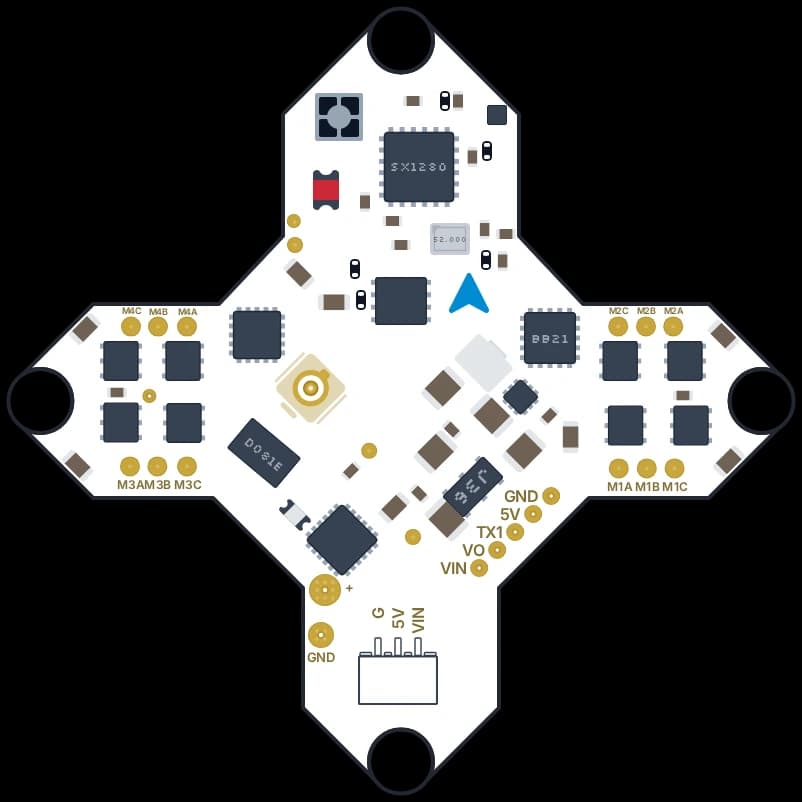
iFlight Blitz F411 1S 5A Toothpick/Whoop Flight Controller w/ 25-50mW VTX & ELRS RX
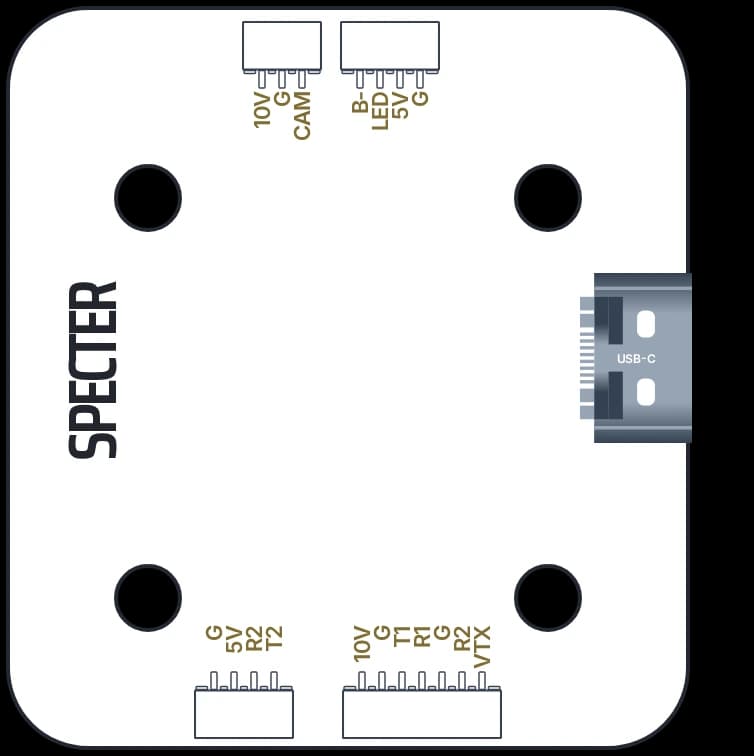


About DIYFPV Drone Builder
DIYFPV Drone Builder is an interactive FPV drone building and wiring tool that helps pilots plan their builds, connect components, and understand how everything works together.
Instead of fixed wiring diagrams, you can build your own FPV drone setup by picking parts, arranging them in a virtual workspace, and connecting pads and wires between the components.
The builder contains a community-driven FPV parts library, detailed pad definitions, an interactive wiring space, and a smart wiring assistant. This makes planning and understanding FPV drone builds easier for beginners and experienced pilots alike.
Create interactive FPV drone wiring diagrams
With the DIYFPV Drone Builder, you can make interactive wiring diagrams for your FPV drone builds.
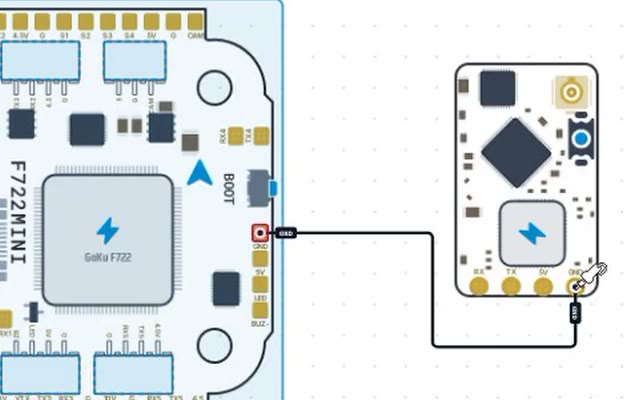
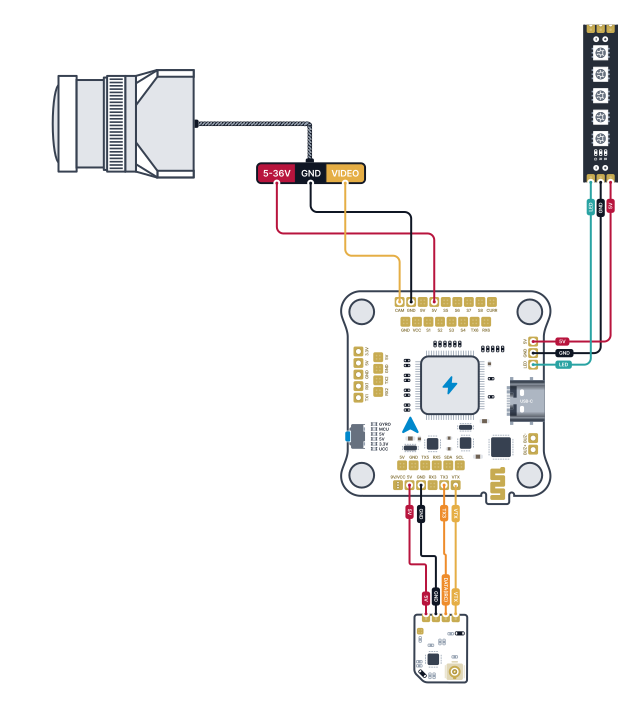
You can add parts to a virtual workspace, arrange them as you like, and connect pads between devices. Each connection shows a wire between two parts, so you can see how your whole drone will come together.
The builder lets you wire up flight controllers, ESCs, motors, video transmitters, FPV cameras, radio receivers, GPS modules, and other electronic parts in detail.
Instead of showing a generic wiring diagram, DIYFPV lets you make a diagram based on the exact parts you plan to use.
You can create each connection yourself, giving you full control over how your parts are wired and helping you understand the electrical links in your build.
A community-driven FPV parts library
The Drone Builder is supported by a growing FPV parts library, with components contributed and illustrated by the DIYFPV community.
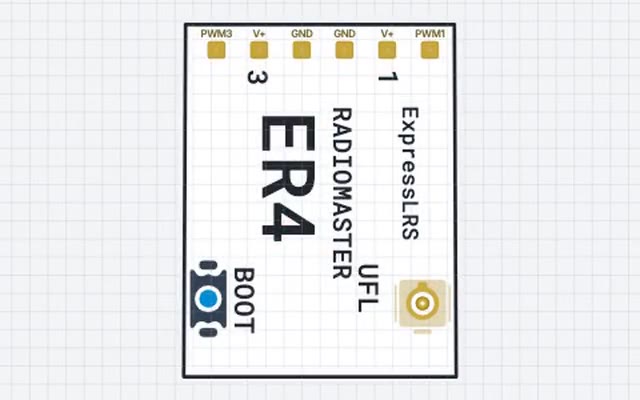
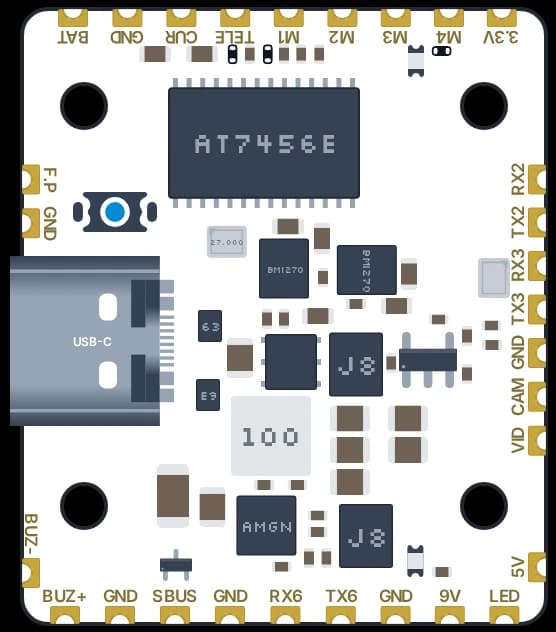
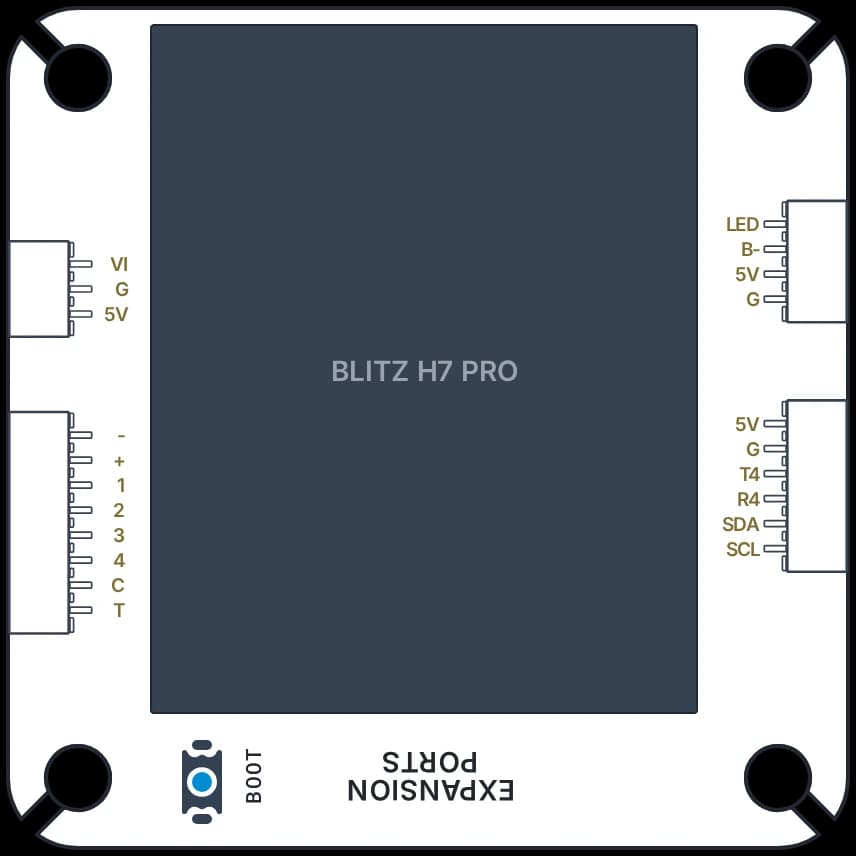
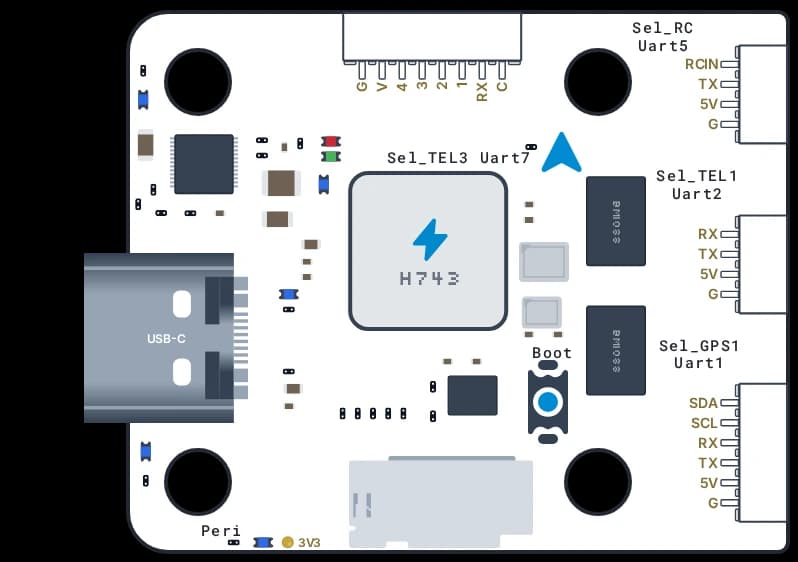
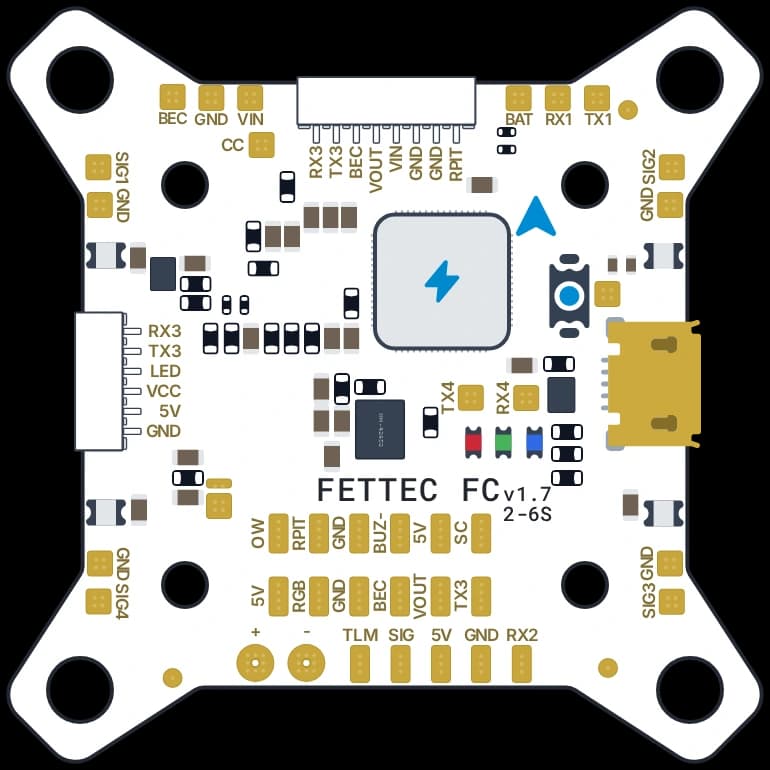
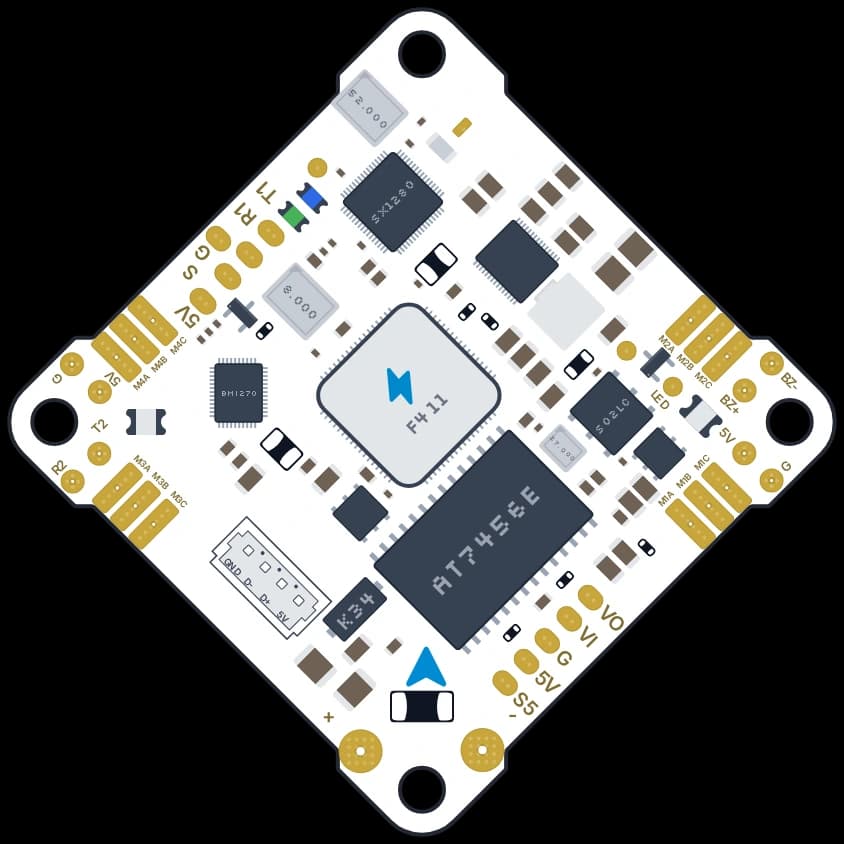
Each component is visually represented, showing available connection pads and their definitions. These definitions specify each pad's function, such as power input, ground, UART transmit and receive, motor signals, and video connections.
For example, a flight controller may have pads for VBAT, 5V, GND, TX1, RX1, TX2, RX2, and motor outputs. The builder uses these definitions to identify connection points and provide context during assembly.
This detail enables pilots to work with the actual pad layout of their components, rather than relying on simplified illustrations that may not match their hardware.
Community members can add missing components by drawing their physical layouts and defining connection pads.
Once published, components become available to all Drone Builder users, allowing the library to grow with the FPV community.
An FPV wiring assistant with multiple modes
DIYFPV includes a wiring assistant designed to help users connect components and understand the purpose of individual connections. The assistant offers three modes, so pilots can choose their preferred level of guidance when building wiring diagrams.
- NoneManual wiring
- Build your wiring diagram independently by choosing and connecting pads without assistance.
- DefaultStandard assistance
- Builder lets you wire independently but it will show alerts and issues with your build.
- AssistedAdditional wiring guidance
- Enable a more guided building experience with additional assistance which blocks bad connections.
These modes allow users to approach the builder according to their experience and preferences, whether they want to create every connection themselves or receive additional guidance while assembling their setup.
The wiring assistant supports the building process, but users should always verify electrical connections, voltage requirements, and manufacturer documentation before connecting or powering hardware.
Learn FPV electronics while building your drone
The Drone Builder includes a Learn Mode designed to help pilots understand the electronics behind their FPV builds.
Instead of simply showing which pads should be connected, Learn Mode explains the purpose of individual pads, wires, and connections between components.
For example, users can explore the differences between power and ground connections, understand how UART transmit and receive pads communicate between devices, and learn how flight controllers interact with ESCs, receivers, video transmitters, and other hardware.
By combining these explanations with an interactive wiring environment, pilots can learn about FPV electronics while working on their own drone rather than following an unrelated example.
Learn Mode is especially helpful for first-time builders, those learning to solder, or anyone seeking to understand specific component connections.
It also provides experienced pilots with a convenient way to explore unfamiliar components and their connection requirements.
Discover FPV components from the global product catalog
The DIYFPV Drone Builder connects with the DIYFPV product catalog, allowing users to discover components and explore purchasing options for their builds.
DIYFPV aggregates FPV product listings from 100+ stores across 25 countries, connecting retailer catalogs with its global FPV product database.
Users can explore available components, review their specifications, compare prices across integrated retailers, and identify stores that currently have the parts they need in stock.
Products in the catalog can also be associated with their corresponding components in the community-driven builder library, connecting the physical FPV hardware with its visual representation and wiring information.
This allows pilots to move between planning their build, exploring component information, and discovering where to purchase the hardware.
DIYFPV does not sell FPV products directly. Instead, it helps users discover products, compare purchasing options, and find retailers offering the components they need.
An FPV version of PCPartPicker, with interactive wiring
For pilots familiar with PC building, DIYFPV Drone Builder follows a similar idea to PCPartPicker, but adapted to the specific requirements of building FPV drones.
Users can plan a drone around their preferred components, explore available parts, and organize their setup before purchasing or assembling the hardware.
Unlike a traditional parts list, an FPV drone build also requires understanding how electronic components connect to one another.
DIYFPV extends the parts-selection concept with an interactive wiring environment, individual pad definitions, and wiring assistance, allowing users to visualize the electronic connections within their planned drone.
From selecting a flight controller and ESC to connecting a receiver, camera, video transmitter, and other peripherals, the builder brings component selection and wiring into a single workspace.
The result is a more complete representation of an FPV drone build, covering both the components involved and the connections required between them.
Share your FPV drone builds with the community
DIYFPV allows pilots to share their drone builds with other members of the FPV community.
Instead of sharing only a photograph or a list of components, users can share their builds alongside the wiring diagrams and parts used in their setup.
Other pilots can explore these builds to discover component combinations, understand how particular hardware is connected, and find inspiration for their own projects.
Shared builds can also serve as references for pilots working with similar components or trying to understand how to connect a particular receiver, video system, flight controller, or other device.
By connecting shared builds with the community-driven parts library and product catalog, DIYFPV brings together build inspiration, hardware information, and practical wiring references.
Built by the FPV community, for the FPV community
The DIYFPV Drone Builder is designed as a collaborative platform where pilots can contribute to a growing collection of FPV components, wiring information, and shared builds.
Community members can create missing parts, define individual connection pads, and make their contributions available to everyone using the builder.
As new FPV hardware becomes available, the community can expand the library with additional components, helping other pilots plan builds using both established and newly released equipment.